
Technical SEO preview workflow: robots.txt, sitemap.xml, Open Graph, and SVG covers
A technical SEO preview guide for checking robots.txt rules, sitemap XML quality, hreflang alternates, Open Graph cards, SVG covers, and publish-ready screenshots.
Technical SEO files need previews too
Small technical SEO files can create large indexing problems. A robots.txt rule can block a whole section, a sitemap can duplicate thousands of URLs, and an Open Graph image can fail silently until the page is already shared.
A strong article should show the publish workflow: robots rule check, sitemap inspection, Open Graph preview, SVG cover review, then final launch checks.
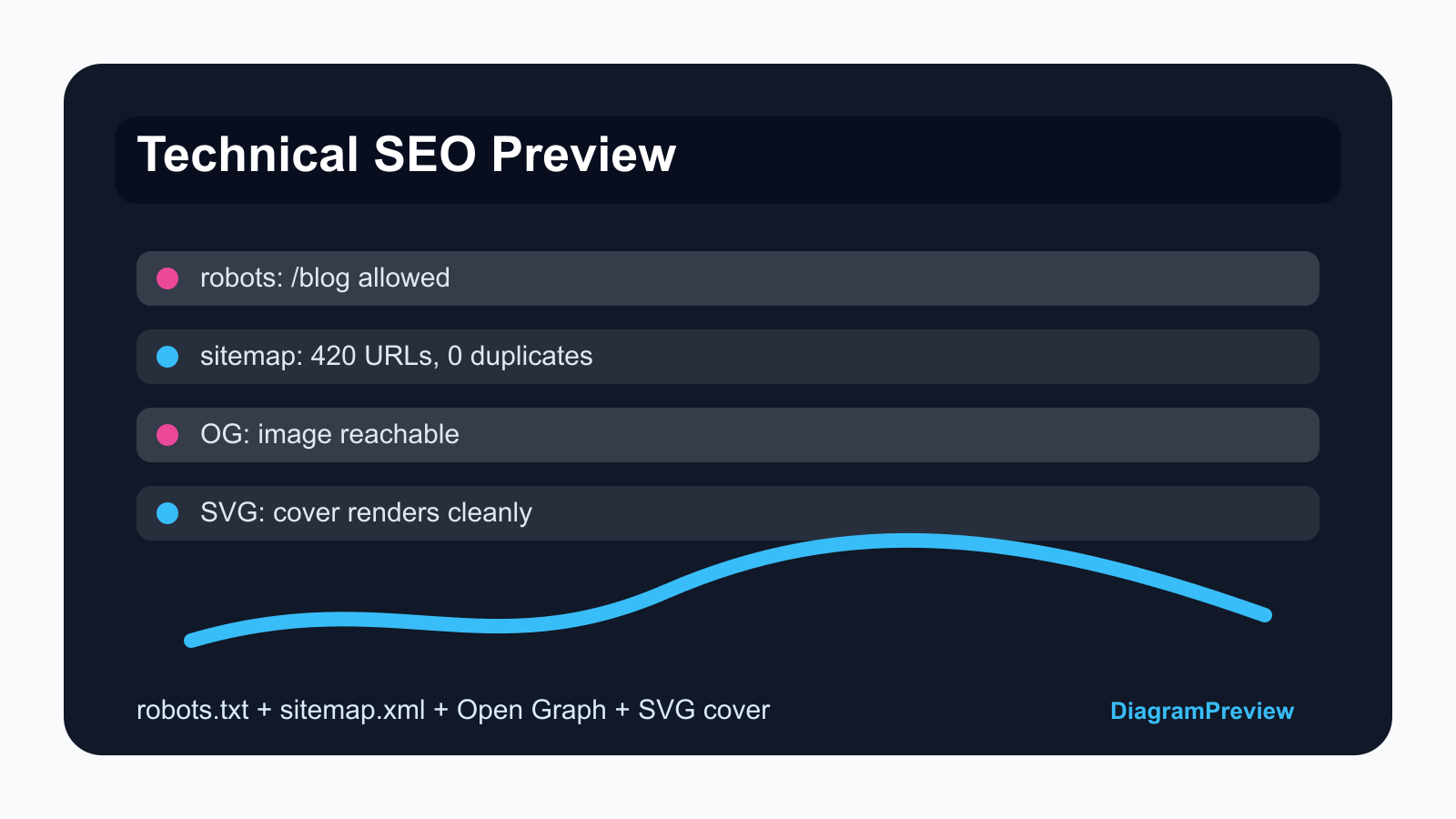
Demo 1: test one URL against robots.txt
Do not review robots.txt only as text. Pick the exact URL you want indexed and test whether the longest matching Allow or Disallow rule permits it.
This is especially important after adding private dashboards, API routes, staging paths, or generated blog directories.
URL: https://example.com/blog/jq-vs-jsonpath-api-debugging-workflow
---
User-agent: *
Disallow: /admin/
Disallow: /api/
Allow: /blog/
Sitemap: https://example.com/sitemap.xmlDemo 2: inspect sitemap URLs and alternates
A sitemap preview should show counts, duplicates, lastmod values, sitemap indexes, and hreflang alternates. The goal is not just validating XML. The goal is seeing whether the sitemap matches the site architecture.
For a multilingual tool site, hreflang alternates are as important as URL count. Broken alternates can send search engines mixed signals.
<urlset xmlns="http://www.sitemaps.org/schemas/sitemap/0.9" xmlns:xhtml="http://www.w3.org/1999/xhtml">
  <url>
    <loc>https://example.com/en/jq-filter-tester</loc>
    <xhtml:link rel="alternate" hreflang="zh-CN" href="https://example.com/zh-CN/jq-filter-tester" />
    <xhtml:link rel="alternate" hreflang="ja" href="https://example.com/ja/jq-filter-tester" />
  </url>
</urlset>Demo 3: preview Open Graph before sharing
Open Graph issues are easy to miss because the HTML can look correct while the image URL is too large, blocked, redirected, or visually unclear.
Preview title, description, image, URL, and site name before posting a launch note. This is more useful than checking meta tags manually.
<meta property="og:title" content="jq vs JSONPath: API response debugging workflow" />
<meta property="og:description" content="A practical guide with jq filters, JSONPath selectors, and copyable API payload demos." />
<meta property="og:image" content="https://diagrampreview.com/blog/jq-vs-jsonpath-api-debugging-workflow.png" />
<meta property="og:url" content="https://diagrampreview.com/en/blog/jq-vs-jsonpath-api-debugging-workflow" />Demo 4: inspect SVG cover images
Generated cover images and SVG snippets should be previewed before publishing. Broken text, invisible contrast, scripts, or huge dimensions can make a good article look untrustworthy.
Use SVG preview for code-generated covers and keep PNG exports for platforms that do not handle SVG well.
Common SEO preview mistakes
Submitting a sitemap before checking duplicate URLs. Blocking /api/ and accidentally blocking /api-docs/. Publishing social cards with a local image URL. Forgetting hreflang alternates for new localized tool pages. Adding many blog pages but not linking them from relevant tools.
These are practical mistakes that a reader can immediately compare with their own site.
Launch checklist
Check robots.txt for the exact URL, inspect sitemap count and alternates, preview Open Graph, verify image URLs, and confirm the article links to the relevant tool pages.
After publishing, submit the sitemap or IndexNow only for pages that are useful enough to stand on their own.