
Before publishing technical docs, preview Markdown, SVG, Open Graph, and screenshots
A publishing checklist for technical articles with Markdown previews, SVG cover checks, Open Graph cards, screenshots, code examples, and common launch mistakes.
Publishing quality is part of product quality
A technical article can be correct and still fail if the code block wraps badly, the cover image looks vague, the Open Graph title is truncated, or the screenshot does not show the useful output.
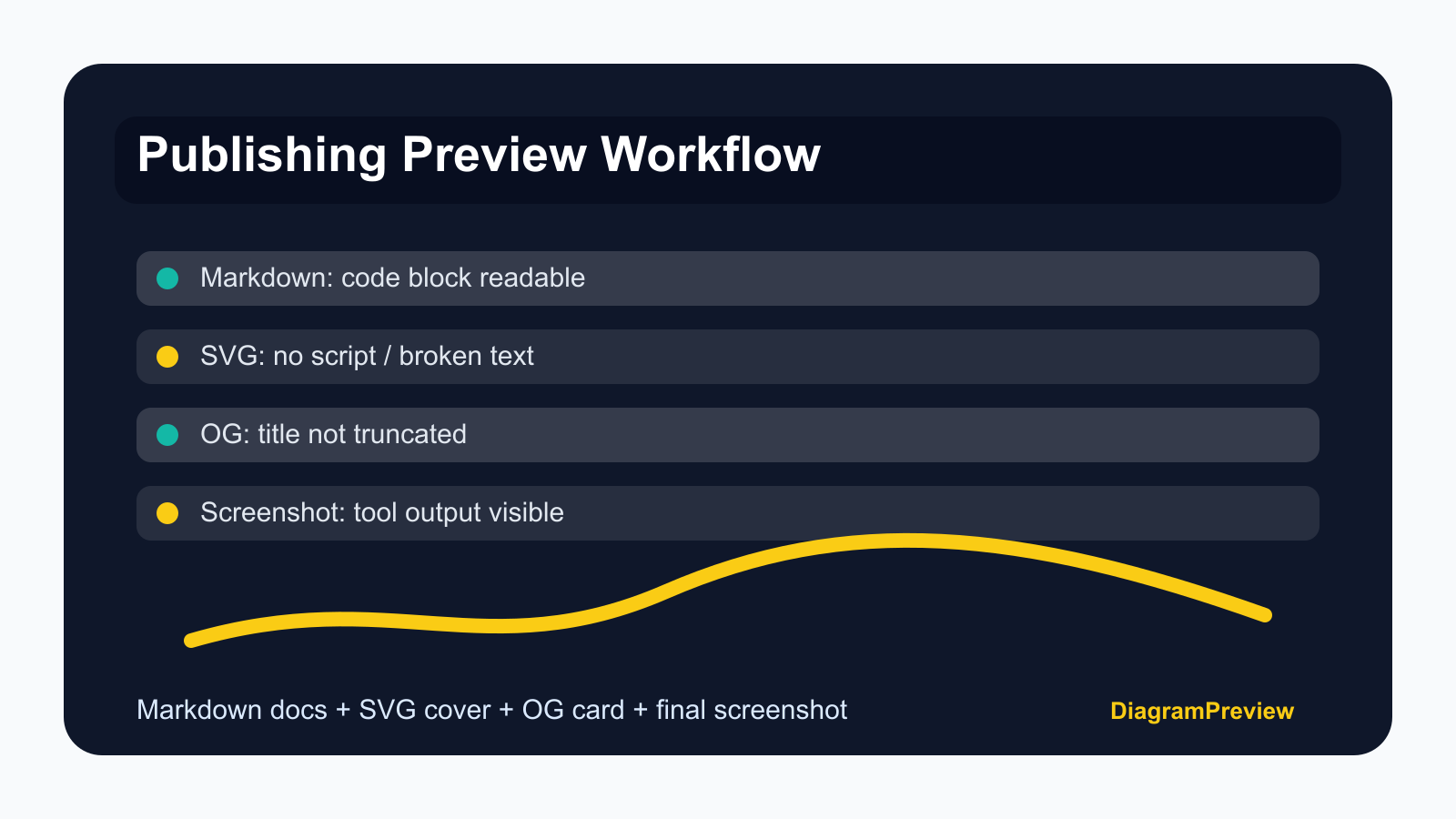
This workflow treats publishing as a preview problem: Markdown first, SVG cover second, Open Graph third, final screenshot last.
Demo 1: preview Markdown with real code
Do not publish a tutorial with only marketing copy. Add code that someone can paste into the tool immediately.
Markdown preview helps catch headings, code fences, tables, and inline links before the article becomes public.
## Debug a JSON response with jq

```text
.users[].email
---
{"users":[{"email":"ada@example.com"}]}
```

Expected result: one email string in the preview output.Demo 2: preview SVG cover code
Generated SVG covers are convenient, but they can include broken text, bad contrast, large viewBox values, or unsafe script tags. Preview and clean them before export.
If the SVG is used only as an intermediate asset, export a PNG for the blog and social card.
<svg xmlns="http://www.w3.org/2000/svg" viewBox="0 0 1200 630">
  <rect width="1200" height="630" rx="32" fill="#0f172a"/>
  <text x="80" y="170" font-size="64" fill="white">jq vs JSONPath</text>
  <text x="80" y="250" font-size="32" fill="#bfdbfe">API response debugging workflow</text>
</svg>Demo 3: check the Open Graph card
The card should describe the tutorial, not only the website. It should also use a stable absolute image URL that the platform can fetch.
Preview the card before sharing on developer communities, newsletters, and product update pages.
<meta property="og:title" content="jq vs JSONPath: API response debugging workflow" />
<meta property="og:description" content="Copyable jq and JSONPath demos for inspecting large API payloads." />
<meta property="og:image" content="https://diagrampreview.com/blog/jq-vs-jsonpath-api-debugging-workflow.png" />Demo 4: add one screenshot that proves the tool works
A generated cover is not enough. Add at least one in-article screenshot or demo image that shows the source on one side and the preview result on the other.
For developer readers, this image answers the question: what happens if I paste the snippet?
Mistakes to avoid
Using a cover image that does not show the actual subject. Publishing a code example that cannot run. Forgetting to include the expected output. Linking to the homepage instead of the specific tool. Using an OG image URL that only works locally.
Fixing these mistakes makes the article feel like documentation, not an advertisement.
Final publishing checklist
Preview Markdown, run the code sample, preview SVG or generated image, preview Open Graph, verify the image URL, and link to the specific tool page.
After publishing, use one or two focused promotion posts that explain the debugging problem. Do not post the same generic advertisement everywhere.