
How to convert PlantUML to editable draw.io diagrams
Convert a small PlantUML service map into editable draw.io XML, inspect the downloaded file, and understand what layout, styling and sequence details are lost.
Verify the result with real files
Support and limits
This lightweight converter extracts common declarations and relationships and lays them out again. It does not use the PlantUML rendering engine for conversion. Sequence timing, class members, themes and original positions are not preserved. Up to 36 nodes and 40 relationships are included, with warnings on larger inputs; split them before handoff.
Minimal example
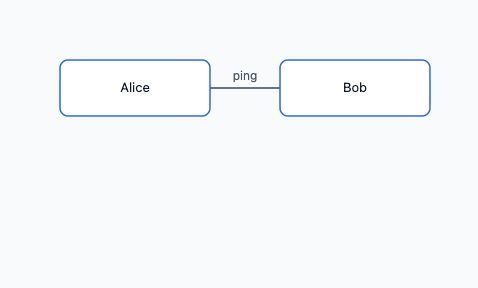
Two editable nodes and one ping relationship. It becomes a relationship graph, not a PlantUML lifeline diagram.
@startuml
Alice -> Bob: ping
@enduml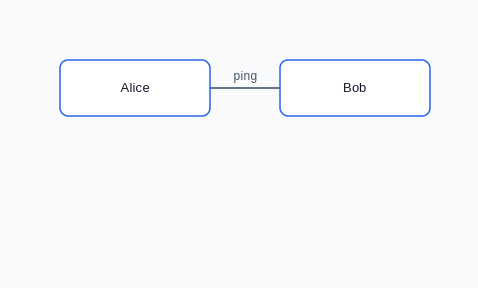
Business example
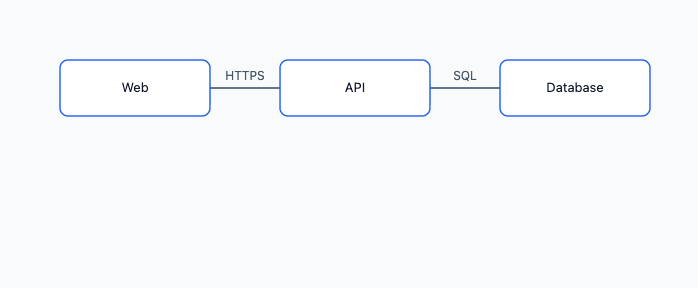
A deliberately small handoff with three components and two protocol-labelled relationships. The result is inspected in the local viewer and decoded with the diagrams.net engine during verification.
@startuml
component Web
component API
database Database
Web -> API: HTTPS
API -> Database: SQL
@enduml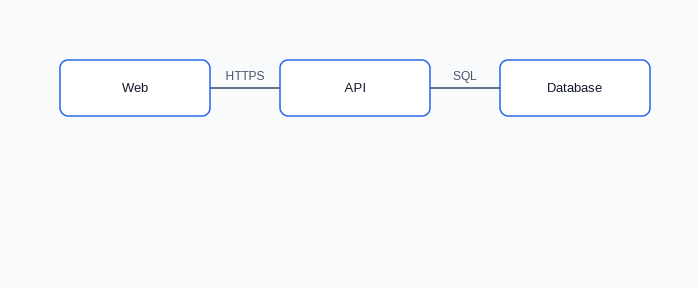
Failure example
A theme-only document has no supported actors, components or arrows. Expect an error and no downloadable conversion.
@startuml
!theme plain
@endumlChoose a diagram that fits the converter
This lightweight converter extracts common actor, participant, class, component and database declarations plus basic relationships. It generates a new relationship layout; it does not preserve PlantUML positions, themes, class members or sequence lifelines.
Keep the original .puml beside the .drawio file. For more than 36 nodes or 40 relationships, split the diagram first: the current converter warns about truncation and should not be used to hand off an oversized diagram.
Load a three-service example
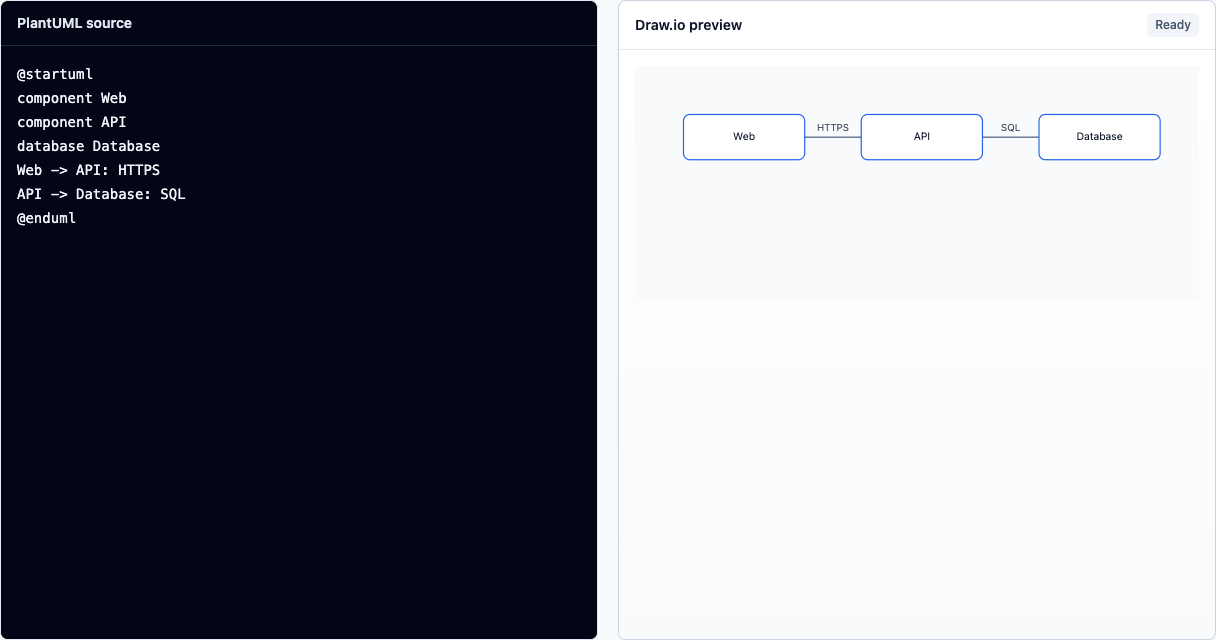
Use Web → API → Database with HTTPS and SQL labels. The expected result contains three editable nodes and two edges. Arrows here use the simple -> form so that every relationship is easy to count.
Use Load this example below to open the converter with the exact source. Download original input to keep the .puml file for review.
@startuml
component Web
component API
database Database
Web -> API: HTTPS
API -> Database: SQL
@endumlConvert and download the current XML
Wait for the conversion summary, then inspect the node labels and the two relationship labels. Download file saves the current conversion as a .drawio file. Editing the source disables the previous artifact until the new conversion finishes.
Continue with converted XML opens the local viewer with the successful result. If its encoded fragment exceeds 32 KiB, download the file and open it locally in the viewer instead.
Inspect and edit in diagrams.net
In diagrams.net, use File → Open From → Device and select the downloaded .drawio file. Move a node, edit its label and save the file. Check that both edges still connect to the intended nodes.
The downloadable example below was decoded with the official diagrams.net Graph/mxCodec engine during local verification. Its three nodes, two edges, labels and endpoints were checked. This is an engine import check; complete editor interactions across browsers have not been independently verified.
Handle unsupported input before sharing
The failure example contains a theme directive without any supported nodes or relationships. Conversion should stop and disable its downloadable XML. A valid PlantUML rendering does not guarantee support in this extraction-based converter.
Sequence input becomes a relationship graph, and unsupported details may be omitted. Compare the source and the result manually; use PlantUML Preview when you need the rendered sequence itself rather than editable draw.io nodes.
Keep a reproducible handoff
Share the original .puml, editable .drawio and SVG/PNG preview together. Record which details were simplified and keep diagrams small enough to inspect each relationship.
The examples below include exact source, actual browser exports and a failure case. Load each example to reproduce the result with the current tool.