
Config preview before deploy: .env, YAML, TOML and Nginx
Catch deployment mistakes with .env diff checks, YAML path lookups, TOML review, Nginx location matching, and config preview examples.
Config bugs are cheap to preview and expensive to deploy
Configuration problems often look small in code review and expensive in production. One missing environment variable, one stale image tag, one TOML default, or one Nginx location rule can break a release.
A good config article should show readers how to preview those files together before deployment, not after the incident starts.
Demo 1: compare .env and .env.example
The fastest win is checking whether runtime variables match the example file. Missing keys are obvious, but empty production values and duplicate keys are just as dangerous.
This demo catches a common launch problem: the example file documents a variable that the actual environment never sets.
DATABASE_URL=postgres://local
NEXT_PUBLIC_SITE_URL=https://example.com
STRIPE_SECRET_KEY=
---
DATABASE_URL=
NEXT_PUBLIC_SITE_URL=
STRIPE_SECRET_KEY=
WEBHOOK_SECRET=Demo 2: inspect the exact YAML value you deploy
Kubernetes, Helm, and GitHub Actions files are usually too large to inspect line by line. A YAML path preview lets you ask one focused question: which image, branch, CPU limit, or secret name will this deploy use?
This is more useful than a generic YAML tree when the review is about one production value.
spec.template.spec.containers[0].image
---
apiVersion: apps/v1
kind: Deployment
spec:
  template:
    spec:
      containers:
        - name: api
image: example/api:latestDemo 3: review TOML sections and defaults
TOML often hides in pyproject, Cargo, config files, and internal tools. It is readable, but defaults can still be wrong for production.
A structure preview helps reviewers scan sections, keys, and values without learning the whole application.
[server]
port = 3000
workers = 1

[features]
search = true
new_checkout = falseDemo 4: test Nginx location matching
Nginx routing bugs are easy to miss because exact, prefix, ^~, and regex locations have different precedence. A route can look correct in the file and still match a different block.
Preview the target URI and the relevant location blocks before deploying a rewrite or proxy rule.
URI: /api/users/42
---
location = /health { return 200; }
location ^~ /api/ { proxy_pass http://api; }
location ~ \.(js|css)$ { root /assets; }
location / { try_files $uri /index.html; }Mistakes this checklist catches
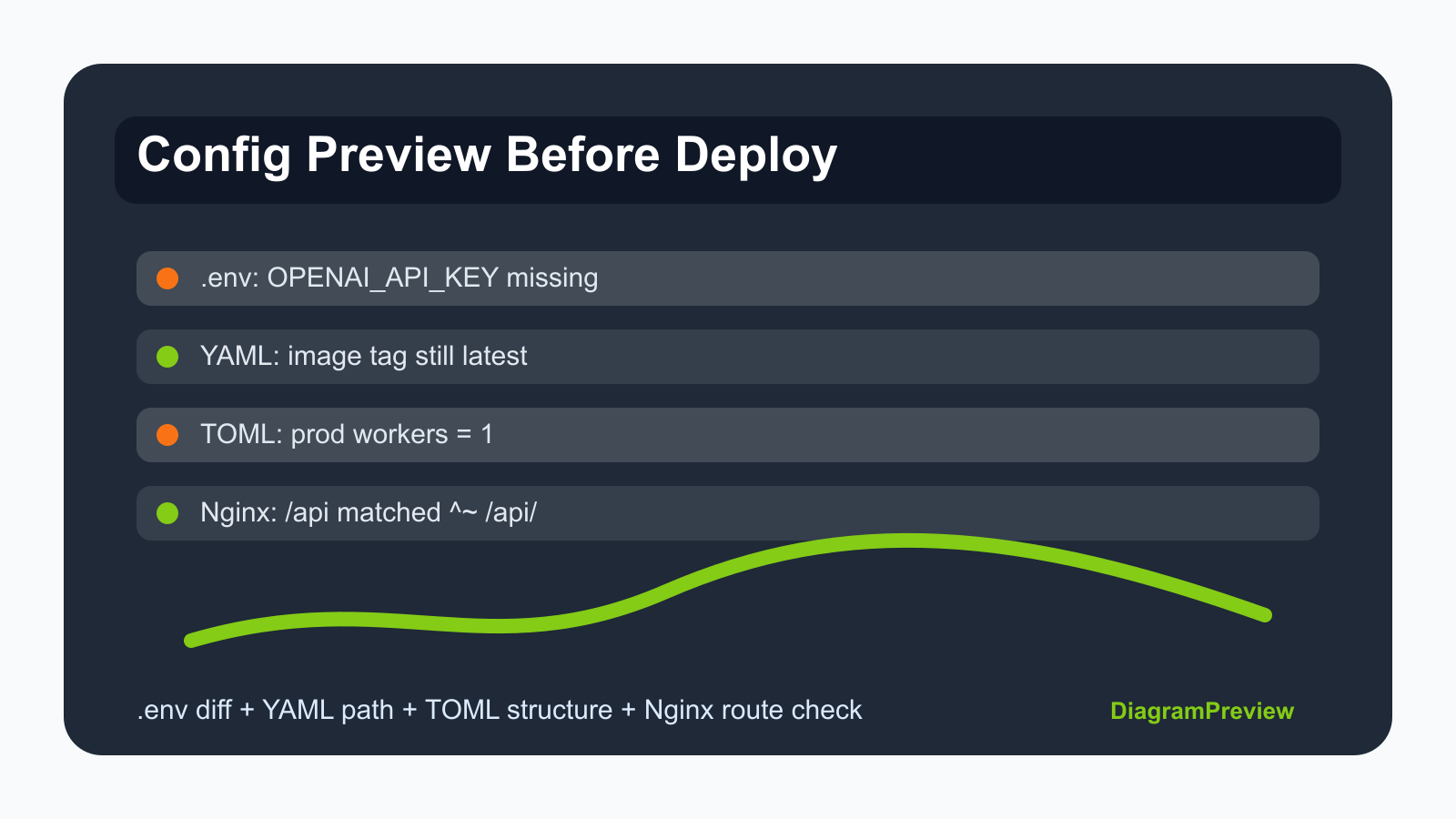
A secret is documented but not present. A deployment uses latest instead of an immutable image tag. A TOML worker count is safe locally but too low in production. A regex route steals traffic from a prefix route. Cache headers make clients keep a stale bundle.
Those concrete failures make the article useful for readers who are preparing a release.
When not to rely on the preview alone
Do not use a preview as a replacement for staging deployment, secret scanning, or runtime health checks. The preview is for catching obvious mismatches early.
The final release check should still include real environment variables, deployed manifests, Nginx reload validation, and application logs.