
Schema preview workflow: TypeScript, Zod, JSON Schema, and form previews
A deeper schema documentation workflow with TypeScript interfaces, Zod runtime validation, JSON Schema contracts, generated form previews, and common mismatch examples.
Why schema docs get stale
Schema documentation often drifts because different teams use different sources of truth. Backend teams may publish JSON Schema, frontend teams may use TypeScript interfaces, runtime validation may live in Zod, and product people usually need to see the form behavior.
A stronger article should show how to compare those layers instead of pretending one format solves everything.
Demo 1: TypeScript interface for developer intent
TypeScript is usually the easiest format for frontend and SDK developers to read. It communicates optional fields, nested models, and naming conventions quickly.
The risk is that TypeScript alone does not validate runtime input. Treat it as developer intent, not an API contract by itself.
export interface UserProfile {
  id: string;
  email: string;
  role?: "admin" | "viewer";
  settings: {
    theme: "light" | "dark";
    weeklyDigest: boolean;
  };
}Demo 2: Zod for runtime behavior
Zod adds runtime behavior: required fields, email validation, defaults, transformations, and custom error messages. This is where real user input can fail.
When Zod and TypeScript disagree, the preview should make the mismatch visible before it becomes a bug report.
const UserProfileSchema = z.object({
  id: z.string().uuid(),
  email: z.string().email(),
  role: z.enum(["admin", "viewer"]).default("viewer"),
  settings: z.object({
    theme: z.enum(["light", "dark"]),
    weeklyDigest: z.boolean()
  })
});Demo 3: JSON Schema for contracts and generated forms
JSON Schema is easier to share across languages and tools. It can power API docs, validators, generated forms, and examples.
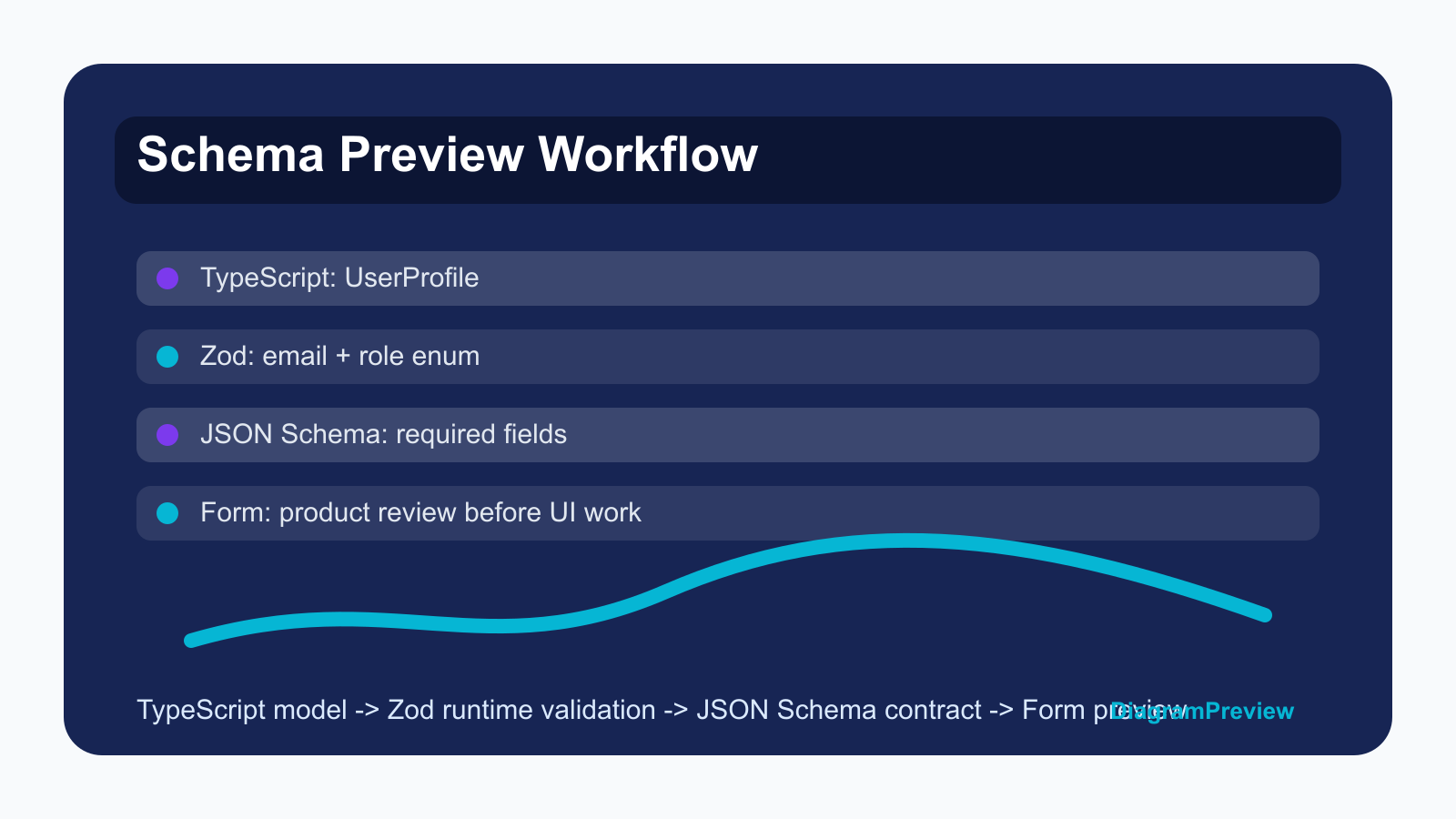
The form preview is important because product and QA can review required fields, enums, and descriptions without reading the raw schema.
{
  "title": "UserProfile",
  "type": "object",
  "required": ["id", "email", "settings"],
  "properties": {
    "email": {"type": "string", "format": "email"},
    "role": {"type": "string", "enum": ["admin", "viewer"]},
    "settings": {"type": "object"}
  }
}Common mismatches to call out
A field is optional in TypeScript but required in JSON Schema. Zod adds a default value that the OpenAPI examples never mention. The generated form shows a dropdown, but the UI implementation accepts free text. A nested object is documented but never validated at runtime.
These examples make the article practical because readers can compare them with their own codebase.
Recommended schema review checklist
Check required fields, enum values, nullable fields, default values, nested objects, array item types, and error messages. Then generate at least one form preview and one invalid payload example.
If the schema is public API surface, keep a screenshot of the visual preview in the release note so reviewers can scan the change quickly.